
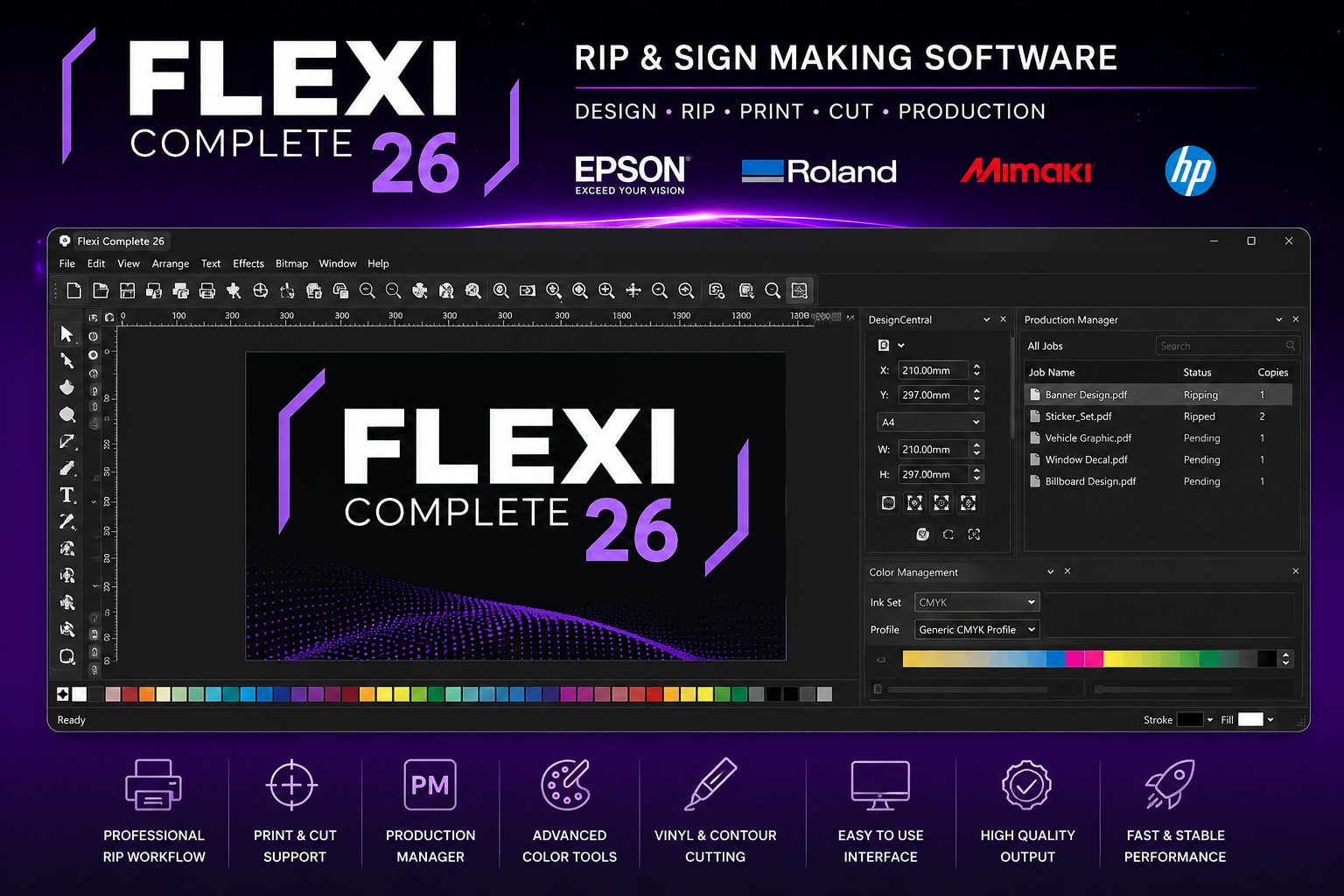
Flexi COMPLETE ONE SOLUTION FOR ALL YOUR PRINT, CUT AND DESIGN NEEDS
SAi Production Suite (release 2026.9.0_build 5150)
Welcome to SAi Production Suite
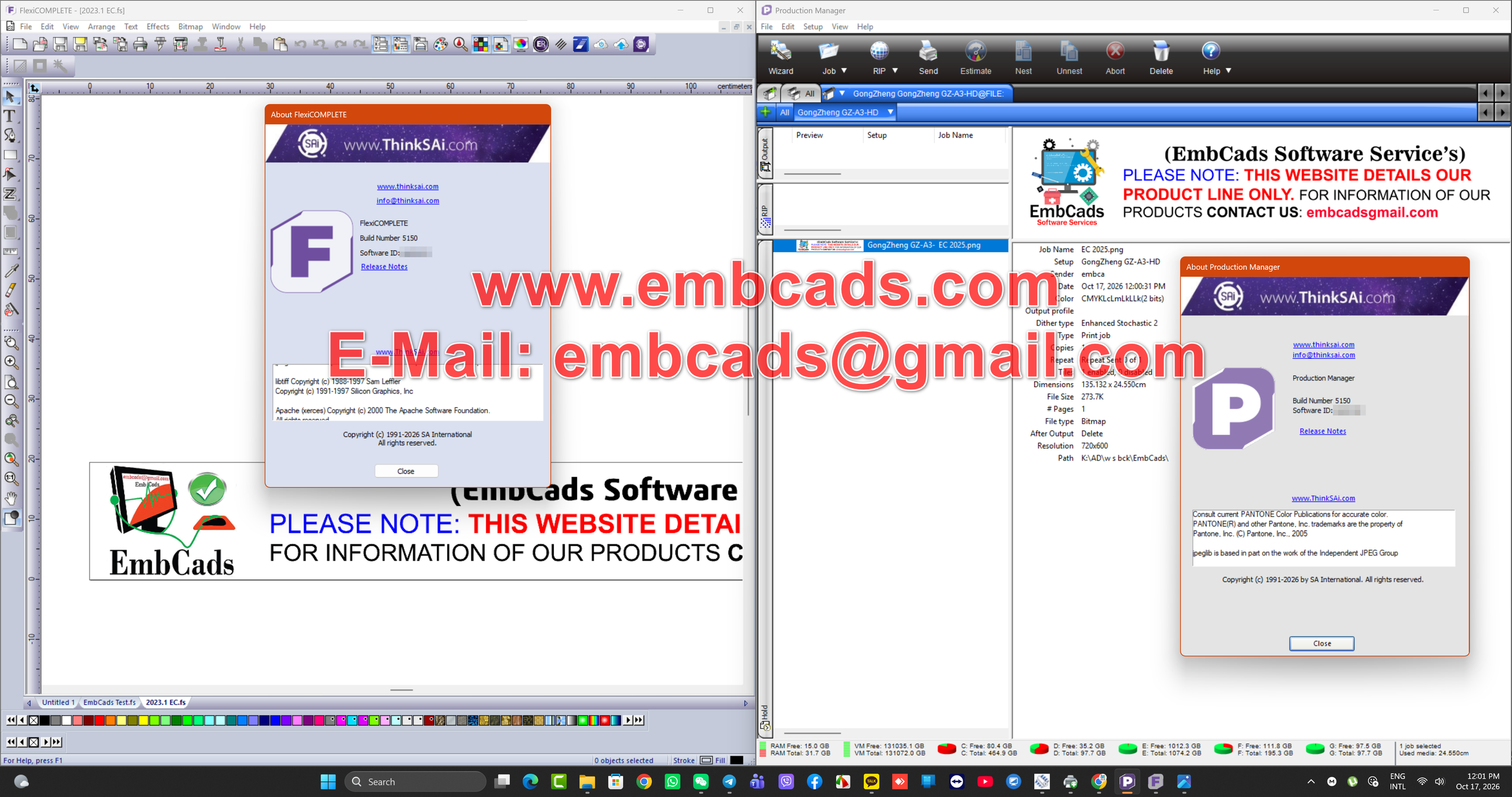
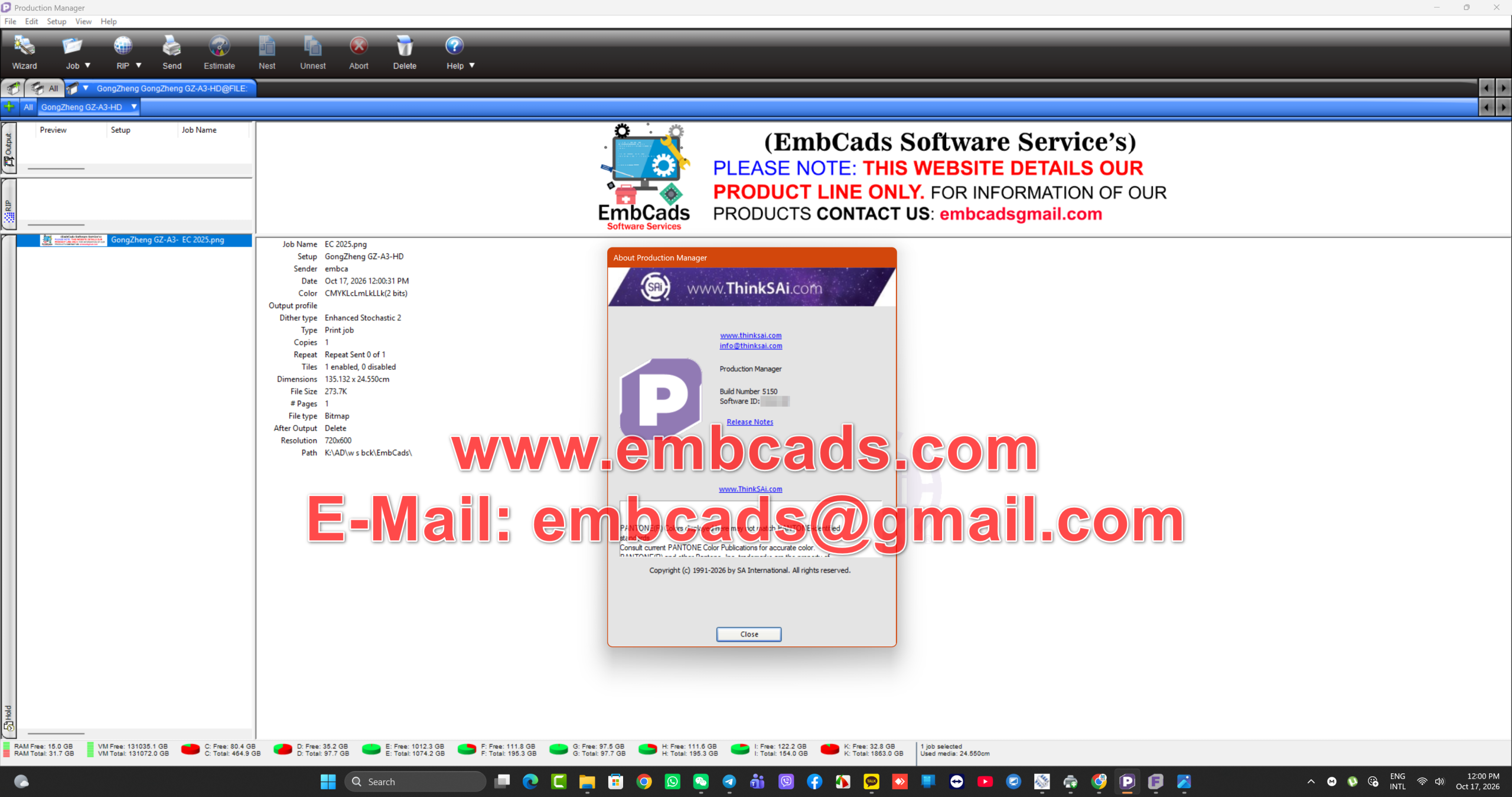
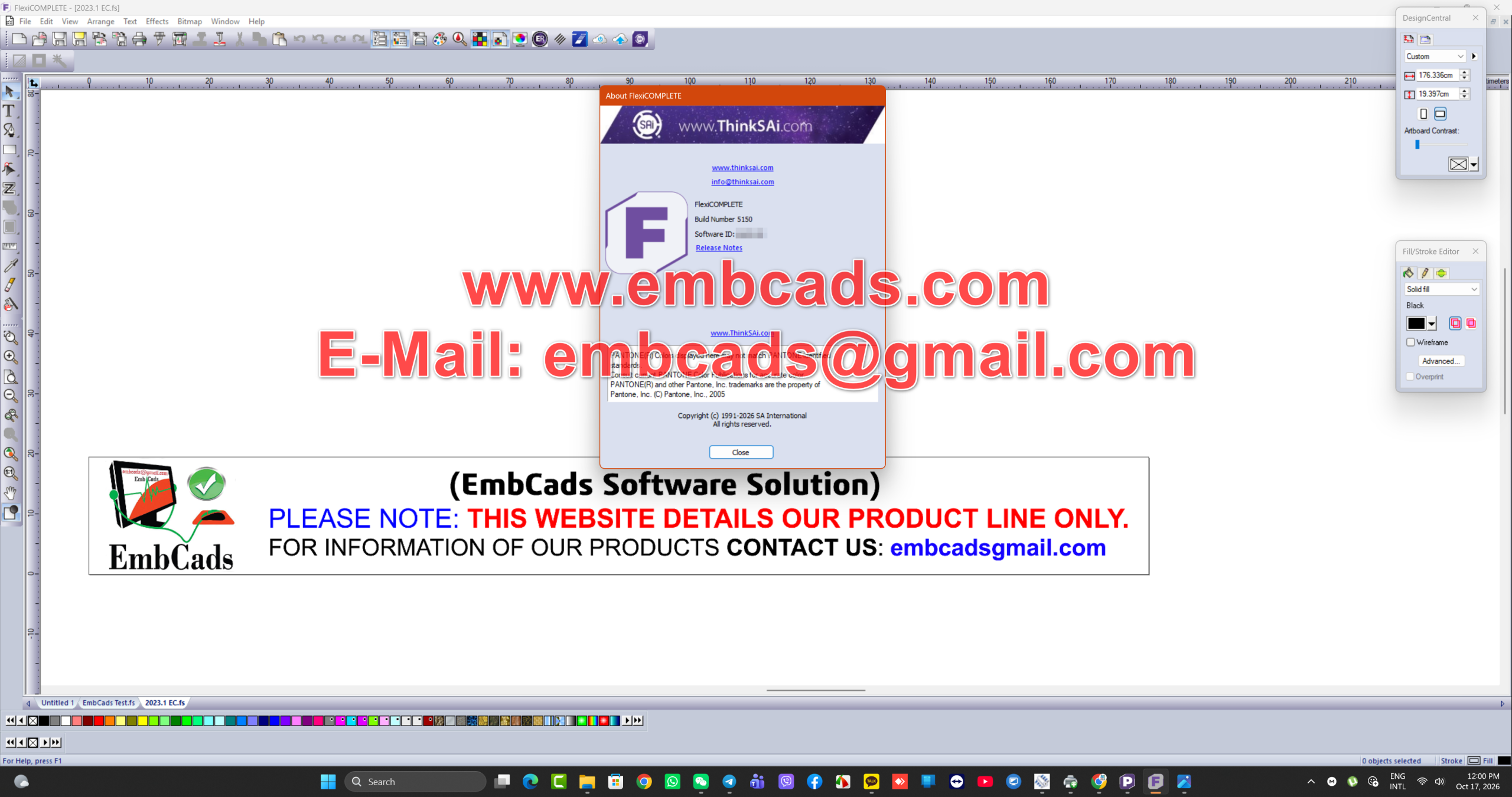
The Flexi product group contains some of the world’s most advanced tools for print production and sign making software. We have added many new features based on your feedback.
Operating Systems Supported
- Windows 11 (X64)
- Windows 10 64-bit (x64) processor
Installing on a Mac using parallels or bootcamp is not recommended and not supported.
SAi Production Suite (release 2026.9 build 5148)
New Features
- Added Pan and Zoom to the Production Manager Preview; a new Pan Tool button, click and drag when zoomed in, hold the Space Bar to pan temporarily, Zoom to Cursor with the mouse wheel, Plus and Minus keys to zoom, and Tool Tips on all Preview controls
- Added White Offset X and Y to the DTF/Transparency Tab in DTF Pro; the offset is saved per printer and is used to compensate for white head alignment
- Added the ability to set the White option on a Per-File basis within a Nested job instead of applying one White setting to every file in the nest
- Added Choke White Only Under Color for DTF; white areas of the design are now laid down as-is and only areas of color are choked
- Added Export and Import for Custom Keyboard Shortcuts and Workspace so your settings can be backed up and moved between versions
- Added support for the GCC Top View Camera on the E200 Laser Engraver; images captured on the device can be imported into Flexi Designer for tracing and engraving
Improvements
- Added independent Horizontal and Vertical Spacing to Texture Pattern Removal, joined by a lock control so both axes can still be adjusted together
- Added Open Area percentage and Material to Open Area ratio to the Texture Pattern Removal window
- Added Window Perf Presets for Texture Pattern Removal; 50/50, 50/50 Fine, 60/40, 70/30, 80/20, and 90/10
- Added Warning when selecting a Graphtec Barcode under 28 cm (11.02 in) in length, which may print incomplete
- Rich Text Formatting is now preserved when pasting editable text from Word, PowerPoint, Excel, Outlook, and Google Docs; Bold, Italic, and Underline are kept
- Censi Mark now works with Step and Repeat
- Added higher contrast highlighting for selected objects in the Design Editor Objects Tab
- Consolidated the FujiFilm Acuity TR and Acuity Triton into a single printer so Profiles are shared between both models
- Added Printer Option Commands to the Epson SC-G9000 Driver
- Removed the CMYK Color Mode from the Mimaki UJV200 CMYLWWClCl and CMYKWW Drivers
- Driver files are no longer overwritten by older files when applying a downloaded Driver Update
- Removed the Preferences option from the Restore dialog, as preferences cannot be restored while the application is running
New Drivers
- Brother DTRX100
- Roland TrueVIS AG-640 (KCMY, KCMYOrRe, and KCMYOrReWW Ink Sets)
Bug Fixes
- Fixed issue with Contour Cut Marks and Barcodes disappearing after applying the Contour Cut Mark effect; Graphtec, SummaFlex, and other mark types now stay on the file when sending to a printer or exporting
- Fixed significant delays when moving, zooming, or panning with a large number of Text Objects
- Fixed crash when deleting a Gradient Node while the node is still selected
- Fixed issue with Gradients using Transparency that would create an Xray effect and reveal masked objects
- Fixed several issues with the Underline feature; the underline now scales when resizing text, Undo and Redo restore the underline style across the entire text object, selecting Skip Descender no longer ends text entry, and Underline properties now report correctly on a mixed selection
- Fixed issue with Variable Data that would generate continuous errors after the Underline feature was added
- Fixed issue with Adding a Cut Contour to Variable Data that would remove the Variable Data Tab and send the job as a bitmap
- Fixed issues Adding a Logo in Flexi PhotoPrint and Flexi Complete; the Logo now applies without selecting the job in the Preview, applies from a saved Preset, and prints on Tiled jobs
- Fixed issue with Presets not applying all saved settings on the Layout, Tile, and Labels and Marks Tabs, including Device Origin, Collate, Proportional job size, Send Full Canvas, Pause Between Pages, Panel Margin, Label Offset, Print Marks, and Add Logo
- Fixed issue with Cut Contour Presets saved in Rip and Print that would not save the Cut Tab information
- Fixed issue with the Ratio setting not being saved when saving a Texture Pattern Removal Preset
- Fixed crash in Production Manager when opening the default DTF page
- Fixed issue with the Repeat Job Counter resetting to 0 of X after the final copy was sent
- Fixed issue with the Production Manager Preview not refreshing after Unnesting jobs that were added using the Nest Jobs option
- Fixed issue with Cut Page Crossings that would remove the cut job Preview in Production Manager
- Fixed issue Centering a job in Rip and Print and moving it to the left that would cut off the print
- Fixed issue Switching between two devices with different maximum media lengths that would return an error; the size now updates to the new device’s maximum
- Fixed issue editing multiple Cut Colors when the Rip and Print window is opened on a monitor to the left of the primary display
- Fixed issue with Imported PDF Stroke Objects not being rendered
- Fixed issue with PDF files containing a White Underbase not opening correctly in Production Manager
- Fixed issue with Transparent Bitmaps using a White Underbase and Contour Cut that would add black lines to the print
- Fixed issue with Masks that could not be outlined when objects perfectly overlap
- Fixed issue with Strokes disappearing past a certain width on certain objects
- Fixed crash when changing Tolerance values for Transparent Background in Design Central while working with high resolution images
- Fixed issue with exported Transparent PNG files appearing fuzzy or choppy when exported at a lower resolution
- Fixed issue with the Transparent Background radio button not displaying the saved selection when re-opening the Transparency Tab
- Fixed issue with the Plus and Minus icons turning the Transparent Background on and off in the Transparency Tab
- Fixed issue with the Default Adobe Plug-in Folder path resetting when Flexi is closed
- Fixed issue with the Color Profiler Wizard freezing on the Gray Balance target when using MYIRO-1, Nix, X-Rite DTP41, DTP45, DTP51, and i1Pro3 PLUS devices
- Fixed issue in Color Profiler where Characterization print and scan files would not generate in A3 and A4 sizes
- Fixed issue with the Epson Download ICC option only working when the connection method was set to USB
- Fixed issue importing EMX files for the Epson SC-TX7 that saved ICC Profiles to the Epson SCT folder instead of the SC-TX7 folder
- Fixed issue with the Epson SC-G90X0 Driver showing a 34 in media width instead of 64 in
- Fixed issue with the Epson G90x0 not generating a White plane at 1200×1200 resolution
- Fixed issue with Cut jobs that could not be read on the Zund G3 L-2500
- Fixed multiple issues with MH Series Cutters; incorrect barcode preview for copies in Rip and Print, marks with barcodes not being read, stopping on the second mark after a barcode cut, roll media checks with multiple jobs, top and bottom margins between jobs, and a crash when sending Print and Cut jobs with multiple copies
- Localization fixes for the following languages; Spanish, Hebrew, Russian
SAi Production Suite (release 2026.6 build 5085)
Improvements
Auto-Place Import Function
Improvements to Post-Script Barcodes masks providing more accurate White Over/under base, centered registration marks, and improved reading from the cutter
Gradient Nodes now show Color Values
Presets applied to Workflow Tab now apply all saved settings
Changes to Create Swatch pallet to spacing start from End to Beginning
Texture Pattern Removal Spacing allowed to go to 0.00
Texture Pattern Removal Circle remove allowed to go to 0.010 size
Added Functionality to Epson T5700/T7700D Printers to switch between Roll 1 and Roll 2
Added ICC Profile Validation for HP Printers
Updated Braile for Accent Letters not being translated
Updated UI for HP 630/630W margins when using barcodes, the Margin will now start at 0,0 coordinate in both Production Manager and Rip and Print
New Drivers
Mimaki TxF 330
Bug Fixes
Issues Fixes with opening certain versions of Adobe illustrator files and .eps files saved from Adobe illustrator
Fixed issue with Color Garment not resetting Properly after clicking on the reset button
Fixed issue with Variable data when using Multi-Language Files as a data resource
Fixed issue with Viewing Output Channels on Variable data Jobs
Fixed issue with Layer jobs not displaying correct job information in Production Manager
Fixed UI issue not displaying preview of Easy Weed Border when selecting certain options
Fixed issue saving Custom Swatch Pallets over 300 swatches that would not allow you to re-open the file after saving
Fixed issue with creating Custom Swatch Pallets removing Labels when converted to Outlines
Fixed issue Applying Presets to Nested files that would not apply all saved preset information to every file in the Nest
Fixed issue with QR codes and True-Shape Nesting, when a QR code was already applied to job True Shape nesting would crash when trying to process placement of QR code
Fixed issue with Epson F1xxxH Driver when sending jobs to Printer that would cause a SendHeader() error
Fixed issue with Double sided printing on HP Latex 570 reverting Side A to Side B
Fixed issue with Adding .emx files directly to Epson SC S71xx/81xx/91xx Driver that would crash Production Manager
Fixed issue with Canon Colorado M showing error when adding Profile to Color Correction Tab in both Production Manager and Rip and Print
Fixed issue with UCJV300 not able to print Color to White
Removed Unneeded .dll files from installation that were no longer in use
Fixed issue setting Print mode for Non-White jobs when using HP R530 Printer, causing Internal Printing Service Error
Fixed Issue with File generation for HP R530 when using Spot colors not creating all TIFF Files needed
Fixed issue with HP R530 that would not display warning if Media or Print mode had been removed from the printer causing some jobs to never appear on Printer IPS
Fixed issue on HP R530 when a job was cancelled, the job would not be removed from HP R530 Hotfolder
Fixed issue generating TIFF files for R530 that were far larger than expected causing increased Rip and Send time
Fixed issue for HP R530 job file not containing the number of copies in the file but instead creating copies in output TIFF File resulting in issue where TIFFs were far larger than expected
Localization fixes for the following languages; Hebrew, Russian, Dutch, Danish, Korean, Japanese, Traditional Chinese, Simplified Chinese, German, French, Portuguese, Spanish
Flexi COMPLETE
ONE SOLUTION FOR ALL YOUR PRINT, CUT AND DESIGN NEEDS
SAi Flexi Complete is the only all-in-one design, print and cut software for sign and print providers. With nearly 3 out of 4 shops using it, Flexi is the industry-standard for sign-specific design tools, RIP software, print-and-cut software, and direct vinyl cutting.
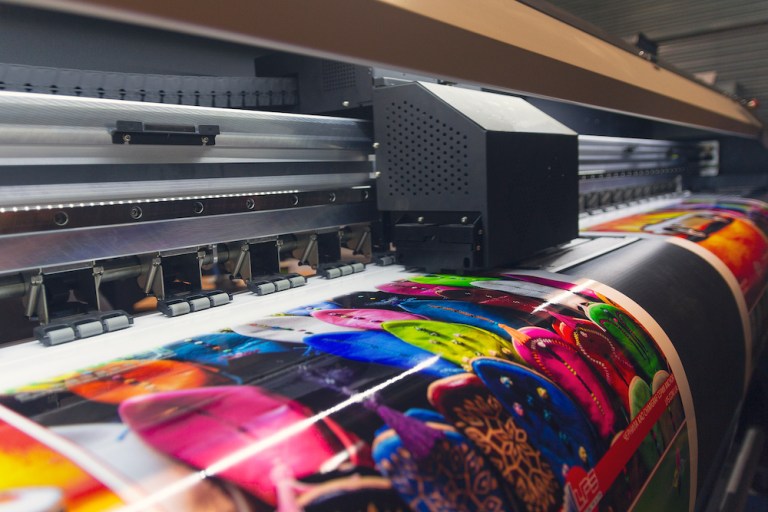
All the tools you need to

Design
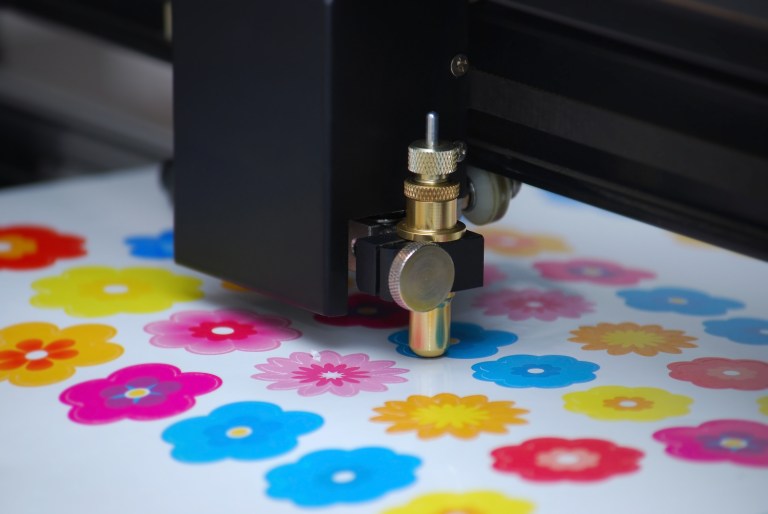
Cut
Powerful 64-bit RIP
With a robust 64-bit RIP the Flexi Production Manager creates the fastest, easiest and most accurate jobs possible. Flexi’s straightforward interface makes even traditionally difficult-to-print jobs, such as printing white ink, painless.
Apply Contour Cuts in Seconds
Flexi’s Contour Cutting engine gives you cut ready files in just a few clicks and makes even the most difficult to work with files a piece of cake to prepare.
Intuitive Nesting and Tiling
Flexi’s exceptional True Shape Nesting and Tiling uses complex algorithms to optimize media usage that translates into considerable savings for its users.
Advanced Color Management
Flexi has a suite of first-rate color management tools to achieve the perfect print every time. Quickly replace colors, map spot colors, create ICC profiles and more.
- We Also Have Other version Of Sai Flexi RIP Software As Well
- Sai Flexi v25 All Builds
- Sai Flexi v24 All Builds
- Sai Flexi v22 All Builds
- Sai Flexi v21 All Builds
- Sai Flexi v19 All Builds
- Sai Flexi v12 All Builds
!!! Beware Of Scams And Fake Videos !!!
Please, Do NOT Ask Anything For Free !
If You are Interested Than Get In Contact With Us !
Website: https://www.embcads.com
E-Mail: embcads@gmail.com
E-Mail: embcads@yahoo.com
For Quick Messaging
Telegram: EMBCADS1
Skype /WeChat: EMBCADS
Like Our Facebook Page : EmbCads
Join Our Facebook Group: EmbCads
We Thank You For Visiting Our Site, Dear Guest !
We Thank You For Visiting Our Site, Dear Guest !
