
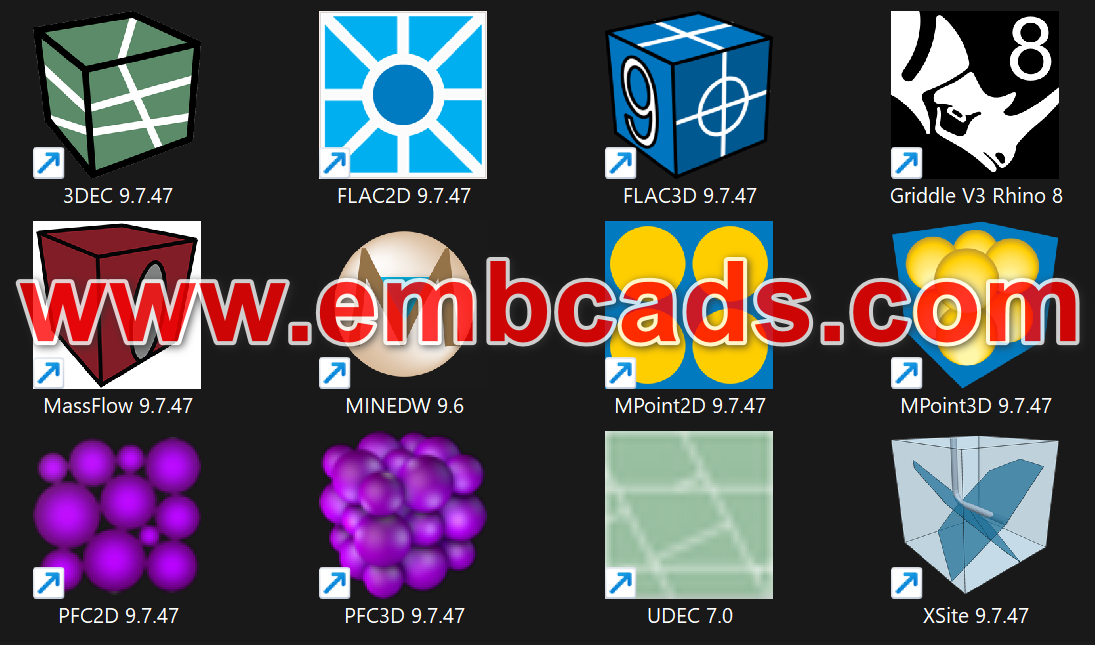
https://youtu.be/Fd_NJCQq8Yw The Itasca Package Include Modules FLAC2D Version 9.7.47 F
- The Itasca Package Include Modules
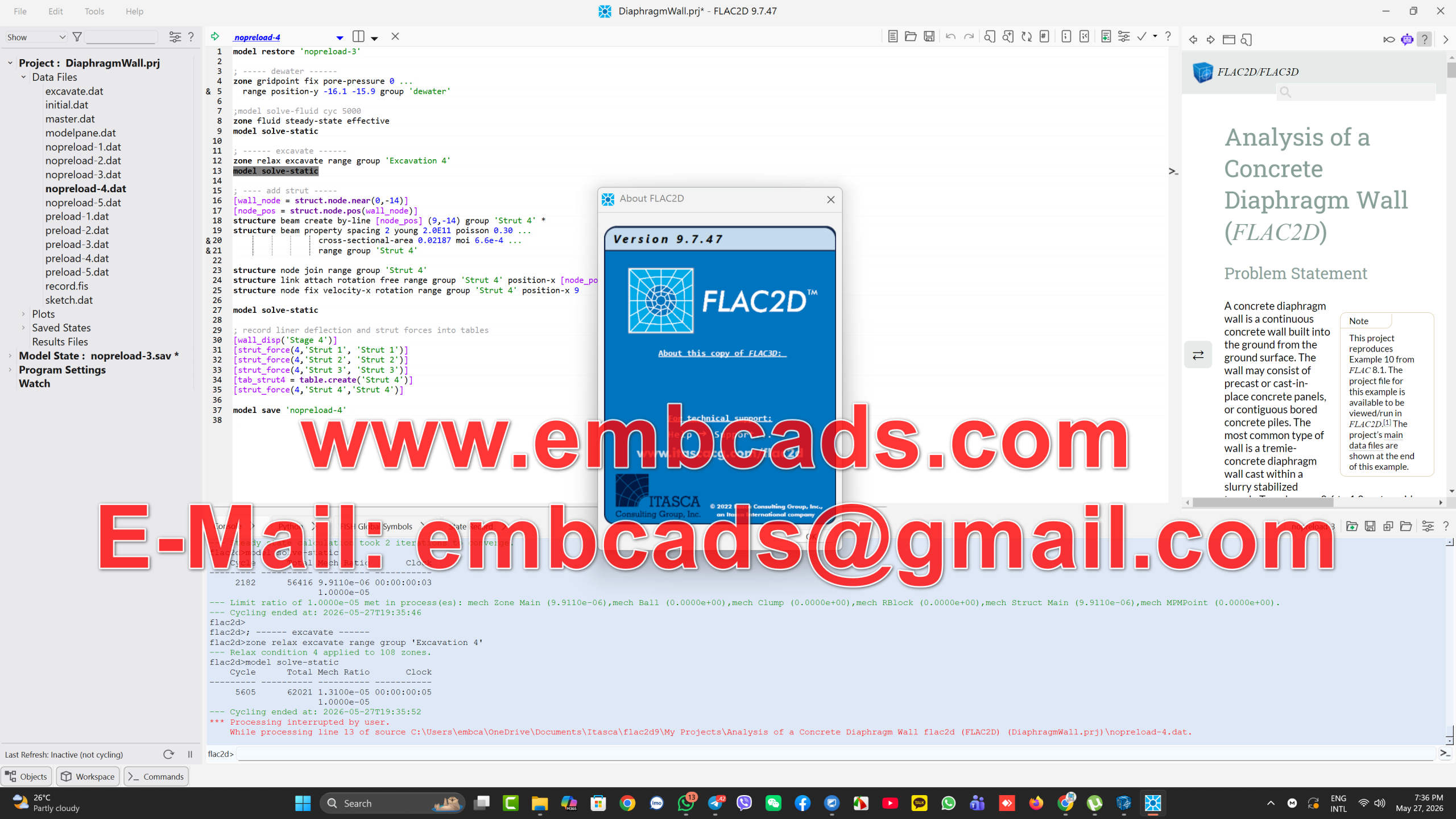
- FLAC2D Version 9.7.47
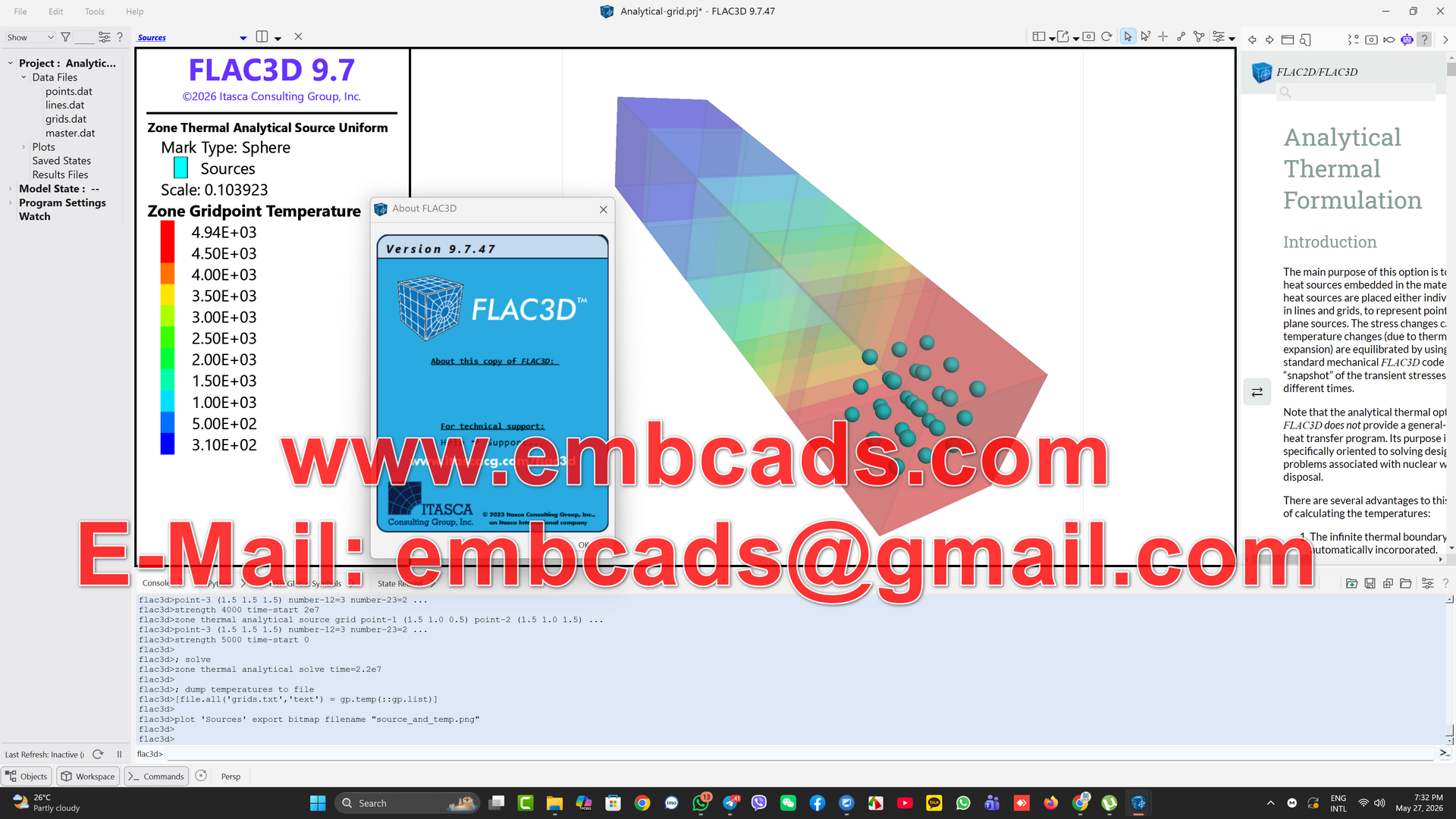
- FLAC3D Version 9.7.47
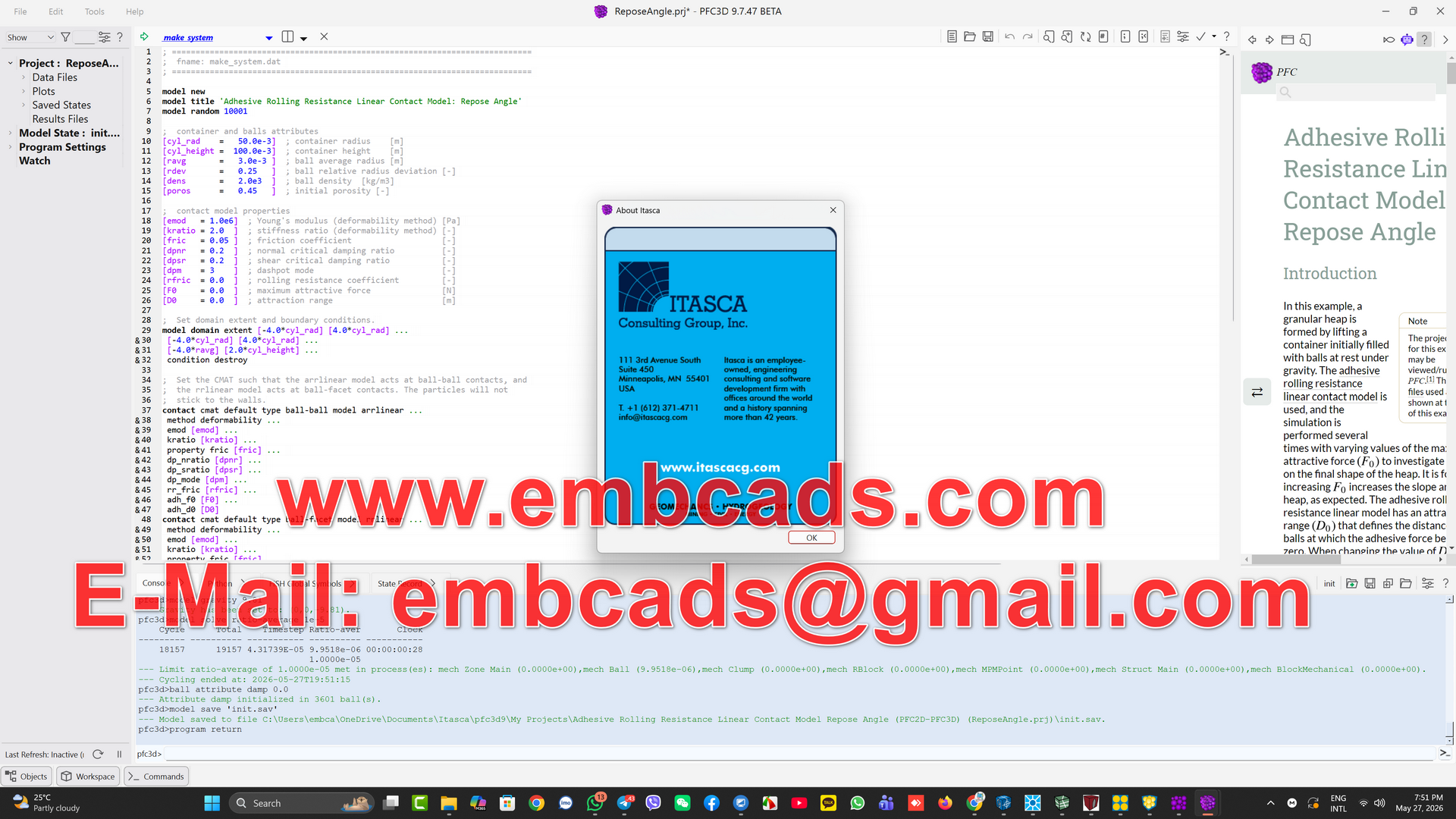
- PFC3D Version 9.7.47
- PFC2D Version 9.7.47
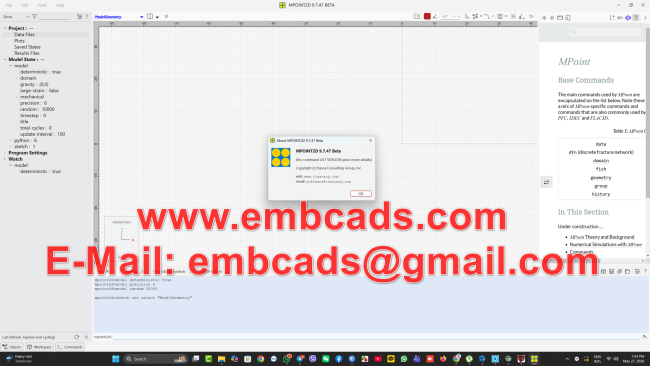
- MPOINT2D Version 9.7.47
- MPOINT3D Version 9.7.47
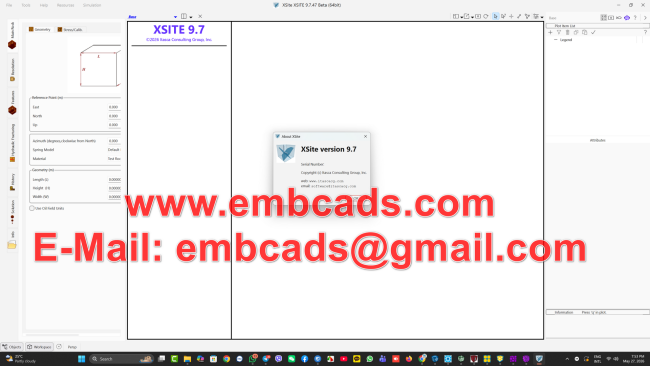
- XSite Version 9.7
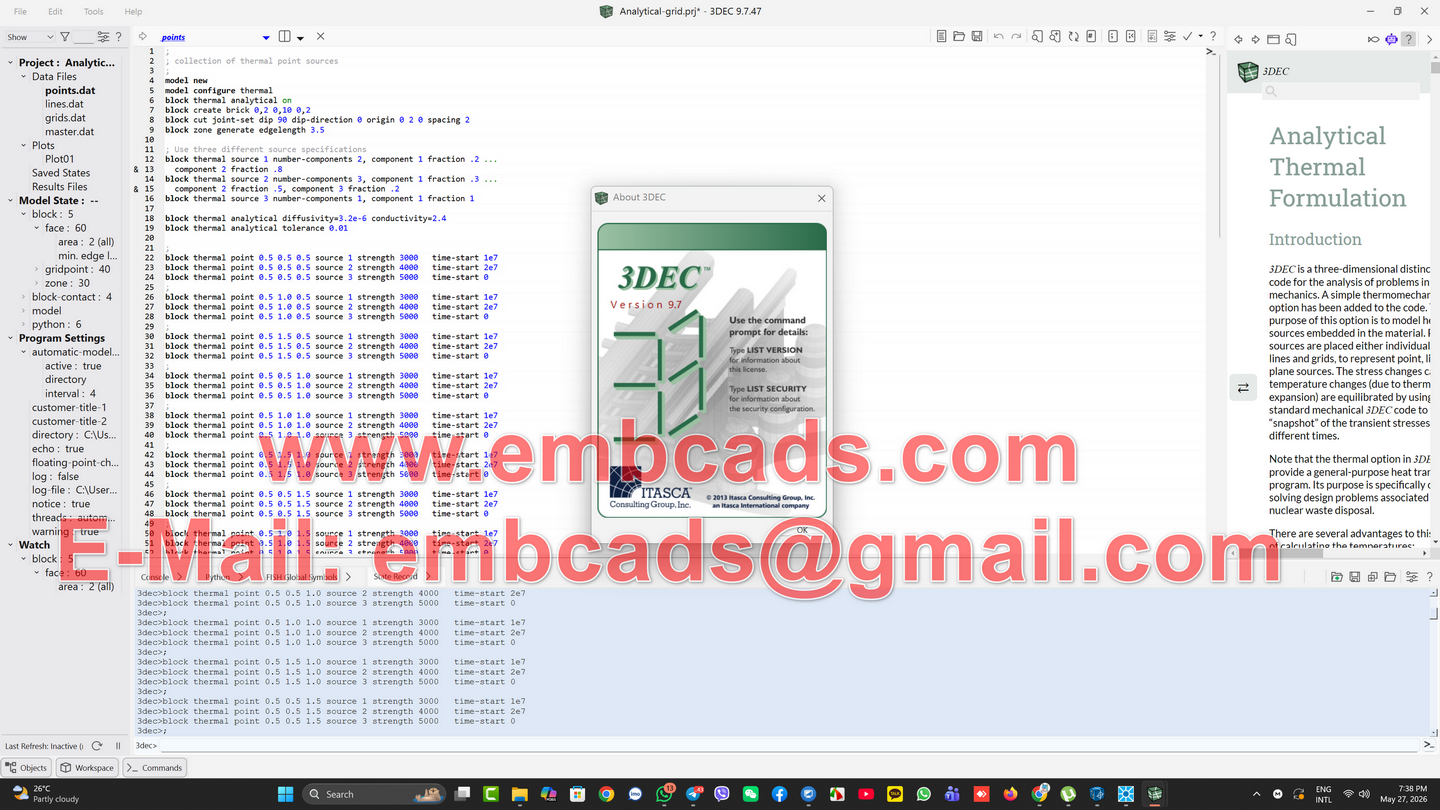
- 3DEC VERSION 9.7.47
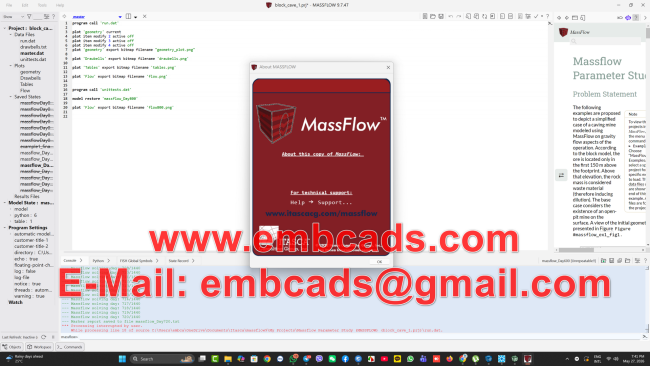
- MASSFLOW Version 9.7
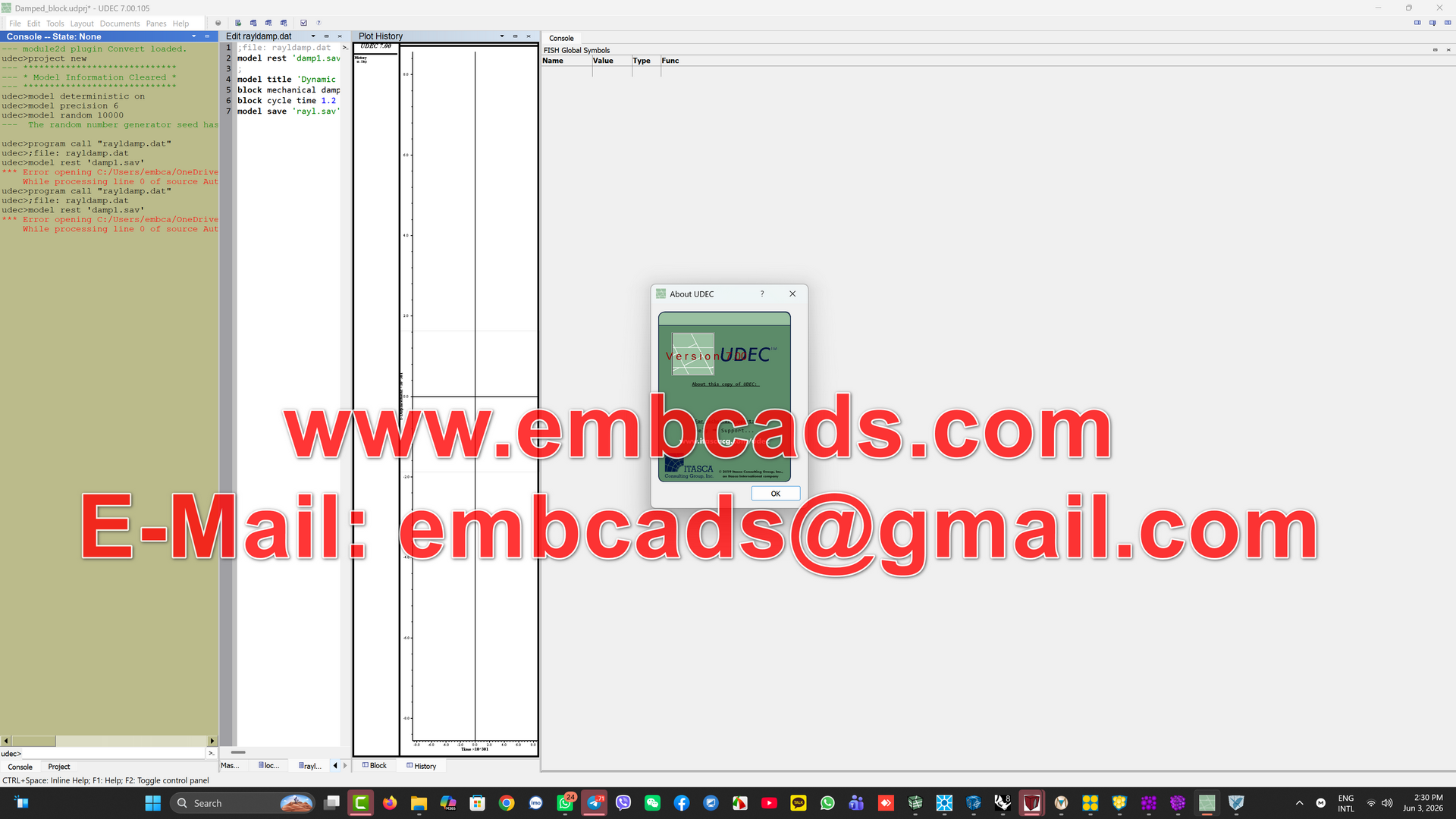
- UDEC VERSION 7.0
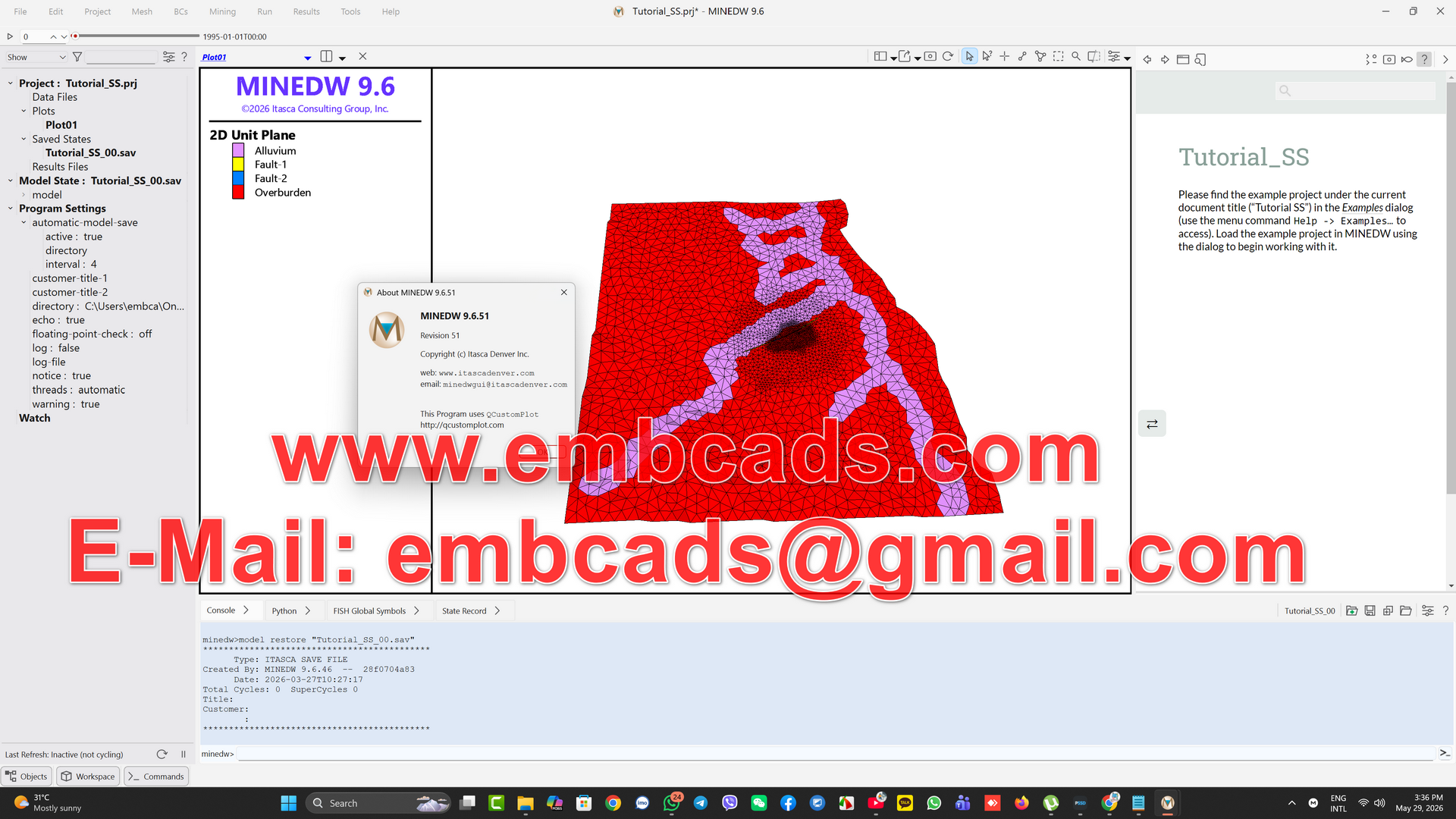
- MINEDW Version 9.6
- GRIDDLE V3 With Rhino 8
- FLAC3D3D Continuum GeomechanicsModel complex soil, rock, and concrete behavior in three dimensions. FLAC3D handles structural ground support, staged excavation, and groundwater flow — all in a single environment.Learn more: FLAC3D
- FLAC2D2D Continuum GeomechanicsThe 2D counterpart to FLAC3D. Run faster analyses of soil, rock, and structural systems with the same proven continuum approach — ideal for cross-sections, slopes, and tunnels.Learn more: FLAC2D
- MPoint2D2D Large-Deformation Ground ModelingWhere traditional finite element methods break down, MPoint2D keeps going. Built on the Material Point Method, it accurately captures extreme deformation, landslides, and flow failures in 2D.Learn more: MPoint2D
- MPoint3D3D Large-Deformation Ground ModelingSimulate ground failure, debris flow, and dynamic impact events in full 3D. MPoint3D uses the Material Point Method to model scenarios that push past the limits of conventional software.Learn more: MPoint3D
- 3DEC3D Discontinuous Rock and Block ModelingWhen fractures, joints, and block interactions define the problem, 3DEC is the tool. Model jointed rock masses, discontinuous structures, and dynamic loading in three dimensions.Learn more: 3DEC
- UDEC2D Discontinuous Rock and Block ModelingThe 2D companion to 3DEC. Analyze jointed and blocky rock systems, underground excavations, and dynamic scenarios with a method built specifically for discontinuous materials.Learn more: UDEC
- PFC SuiteParticle-Scale Simulation in 2D & 3DSimulate material behavior at the particle level. PFC Suite models granular flow, bonded assemblies, and rock microstructure — giving you insight into the underlying mechanics that continuum models can’t capture.Learn more: PFC Suite
- PFC2D2D Particle-Scale SimulationA focused 2D environment for particle-based modeling. Ideal for granular material studies, research applications, and problems where understanding particle interaction drives the analysis.Learn more: PFC2D
- MassFlowOptimize Material Flow for Cave MiningOptimize the handling, transport, and processing of bulk materials. MassFlow simulates granular flow at an operational scale — useful for mine design, storage, and material movement planning.Learn more: MassFlow
- XSiteHydraulic Fracturing and 3D Fracture SimulationModel how fractures initiate, propagate, and interact underground. Built for energy and mining teams working on stimulation design and fracture network analysis.Learn more: XSite
- GriddleMesh Generation for Complex GeometriesGood models start with good meshes. Griddle automates the demanding work of mesh creation for complex or repetitive geometries, so you can get to the simulation faster.
ITASCA Software Version 9.7
ITASCA Software v9.7 is our second point release in 2026, bringing important feature updates, capabilities and refinements to ensure optimal efficiency, performance and compatibility for your projects. This release is primarily focused on the use of geotechnical and mining engineers. FLAC2D , FLAC3D , PFC , MPoint , and XSite for numerical modeling of slopes, underground mining, dams and hydraulic fracturing.
If you are managing an existing project, version 9.7 will be fully backward compatible with files from version 9.0 and 7.0 and is available to users with an active subscription or maintenance plan.
Major updates at a glance
- ITASCA’s AI assistant GeoBot Pro is now integrated into the software, which can answer your questions as well as create and test small sample models.
- More robust Mohr-Coulomb and ubiquitous joint behavior using updated corner-domain stress corrections.
- FLAC2D remeshing now supports Maxwell and hysteretic damping, as well as zones and gridpoints. Additional variables can be interpolated.
- New example of studying Python parameters.
- ITASCA’s new Material Point Method (MPM) software MPoint now features improved splitting controls, FLAC-style plots, more examples, and extended documentation.
- PFC 9.7 is now officially released and joins ITASCA’s software installation family with XSite v9.7.
- Workflow improvements include sketch extrusion splitting, MPI zone nulling during cycling with cluster options, plot export to STL file format, and Python parameters and functions now visible in the object tree.
Read on for more details.
Geobot Pro: iTasker’s built-in AI assistant
GeoBot Pro is now included directly within the software as a sidebar, extending the existing web-based assistant into your modeling environment. GeoBot is provided with ITASCA documentation, examples, training materials, forum discussions, and training on selected FLAC/PFC/.FLAC3D FISH functions.
What you can do with GeoBot in v9.7:
- Ask specific technical questions.
You can ask specific questions like “Should I use wet or dry density when calculating dynamic stress boundary conditions?” and GeoBot will search the software documentation, examples, and ITASCA software forum content to provide a concise answer, including code snippets and links to relevant documentation sections and examples. - Ask questions in your native language
Use Geobot to overcome any language barriers: “¿Cómo inicializo las tensions en un modelo de FLAC2D “v9.7 con una relación k de 1.2?” Ask questions in English, Spanish, French, German, Chinese, Japanese, Russian and many more. Geobot will answer appropriately and display commands or scripts correctly in English. - Build small example models with cloud validation
For minor issues, Geobot can attempt to build a model (geometry, structural model, material properties, boundary conditions, etc.) and then run it on AWS to check if the commands are executing correctly. If it fails, it will try again. This helps detect obvious command-level errors or AI blunders before it commits its script. This is currently a beta feature. - Accelerate learning and prototyping.
The models created are currently wrapped in Python and may still contain bugs, but they often get you closer to a working example, which is helpful when exploring unfamiliar commands or workflows. You can then solve the remaining problems yourself.
Behavior of a more robust Mohr-Coulomb model
Version 9.7 updates the method for correcting stresses near the intersection of the shear and tensile failure envelopes in all Mohr-Coulomb-based constitutive models. Previously, a bisector between the shear and tensile envelopes could push the “corrected” stresses in the boundary case to the wrong side of the intersection, which could cause non-robust behavior.
The new method introduces a third “corner” domain:
- Domain Three Corner Correction
The stress in the transition zone between shear and tension is now directed towards the corner located at the intersection of the two envelopes, rather than relying on a common bisector. - Consistent treatment of ubiquitous joints
Similar corrections are also applied to ubiquitous joint models, where both shear and tensile types of joint failure can occur, making joint failure handling more reliable in fabric and rock mass simulations. - Real-world impact on your models
This updated behavior provides more accurate and stable solutions in Mohr-Coulomb based models. When your model operates near the shear-tension intersection, you may see a slight difference compared to version 9.6.
FLAC2D 9.7: Remeshing, Damping, and Parametric Studies
FLAC2D version 9.6 introduced automatic remeshing for large-strain simulations, allowing for continued analysis of models undergoing large deformations. Version 9.7 builds on that capability to further enhance its utility for dynamic problems and parameter studies.
Key updates in FLAC2D 9.7:
- Maxwell and hysteretic damping during remeshing
Dynamic analyses using Maxwell or hysteretic damping now correctly interpolate damping parameters when remeshing occurs. This makes large-strain remeshing practical for dynamic modeling. - In large-strain runs with remeshing,
the dynamic time step is reduced when the larger effective time step zones are heavily deformed. When the mesh is reorganized, the better quality zones reset the dynamic time step to a higher value, allowing simulations such as landslides or large deformations of soft materials to be solved more efficiently. - Extra-variable interpolation for cleaner contours when remeshing
Additional variables in numerical grid-points and zones (e.g., initial pore pressure or vertical strain) can now be interpolated between the previous and new meshes instead of simply being copied. This results in more accurate calculations (e.g., extra pore pressure) and smoother contour maps of the additional variables as the mesh evolves. - Python-powered parametric study examples
New Python examples show how to run automated parametric studies for slopes with the same type of joint elements throughout. You can create slope stability maps of the safety factor by varying the slope angle and joint orientation (or a pseudo-static horizontal load), which will help you identify combinations that are more vulnerable to instability.
These improvements are especially relevant if you are interested in modeling large-deformation slope failures, dams, or any other problem where mesh deformation and dynamic effects are important.
MPoint Update and PFC/XSite Classification
ITASCA’s Material Point Method (MPM) software, MPoint 2D and 3D, is designed to model very large strains, where material points can move through a background mesh and avoid meshing issues. MPoint uses and can be combined with the FLAC constitutive model. FLAC2D or FLAC3D In version 9.7, MPoint, although still in beta, has received several improvements in usability and accuracy, mainly due to feedback from our beta testers — thank you all!
Notable aspects of MPoint 9.7:
- Detailed documentation and new example
documentation now discuss the underlying theory and ITASCA-specific details in more detail, including how material points for coupled models can interact with FLAC zones. - More control over material point splitting
When particles spread out during large deformation simulations, the splitting criterion determines when a point becomes two points to maintain accuracy. The new version provides more options and control over this splitting behavior. - FLAC – Style Plot Items
MPoint plot items are now structured in the same way as FLAC3D plot items, making the interface more familiar to existing FLAC users and simplifying the visualization workflow.
For isolated and hydraulic fracturing workflows:
- PFC 9.7 Out of Beta
After extensive bug fixes and additional testing, PFC2D and PFC3D versions 9.7 are now officially released. Previous point releases from version 9.0 were marked as BETA. - XSite 9.7 Packaging and Version Consolidation
XSiteITASCA’s lattice-based hydraulic fracturing simulation program, now available as version 9.7 alongside other ITASCA Software products, has streamlined versioning and distribution across ITASCA Software. A limited model size demo mode is available, allowing users to test small hydraulic fracturing models before purchasing a license for the full version.
Workflow and visualization improvements in ITASCA software 9.7
In addition to the main features, ITASCA Software 9.7 includes several usability enhancements, making modeling workflows and data exchange easier and smoother.
Significant improvements:
- Splitting Extrusions in Sketch
In FLAC3D, with the Sketch tool, you can now split extrusions by adding and adjusting points along the extrusion path. This makes it easier to create curved extrusions without any complicated procedures. - Zone Nullification While Cycling with MPI
With the Zone Nullification Cluster (MPI) option, FLAC3D can now nullify zones while cycling. This creates a more flexible and efficient workflow for very large and distributed models that require local element removal or periodic excavation methods. - STL Plot Export
In addition to DXF, plots can now be exported as STL files, which contain triangulated surface data. This is useful for sharing geometry with external tools that prefer STL for 3D printing, visualization, or further processing. - The Python
Object Tree now shows Python variables and functions in addition to zones, grid points, and FISH functions in the Object Tree. This helps you better visualize your project’s scripting environment and conveniently track the state of your model within the user interface.
GRIDDLE V3
Griddle offers engineers and scientists both automatic, interactive, and easy-to-use surface meshing and volume grid generation capabilities for FLAC3D, 3DEC, and many other engineering modeling formats, including ABAQUS, ANSYS, NASTRAN, LS-DYNA, VRML, and CSV. Griddle is a plug-in for Rhinoceros 3D (Rhino)* CAD software, leveraging the powerful CAD tools available in Rhino.
Using Rhino tools, you can easily:
- Create and work with points, point clouds, curves, surfaces, meshes, and solids.
- Extrude complex tunnel profiles and paths.
- Define construction stages.
- Import project geometries from other formats (e.g., DXF, DWG, etc.).
- Add structural element (support) geometry for liners, piles, concrete reinforcement, and rockbolts using offsets, arrays, and rail tools. Export these as DXFs and import directly into FLAC3D or 3DEC via the model pane.
- And much more…
With Griddle you can quickly mesh very complex geologies and engineering structures:
- Incorporate natural structures such as faults and joints. These structures, including free internal surfaces, are automatically retained as grid faces in FLAC3D and as joints in 3DEC models, making it easy to identify them for property or interface assignment.
- Easily define geotechnical units.
- Extrude surface topography to quickly form high-quality model domains.
- Intersect and refine surface meshes, ensuring high-quality conformal meshes.
- Repair poor-quality meshes to prepare them for volume meshing.
- Create unstructured volume meshes to fill watertight domains and/or structured volume meshes to fill Rhino solids.
- Assign names to objects, which are transferred as group names in FLAC3D and 3DEC.
- And much more…
MINEDW
MINEDW is a three-dimensional (3D), finite-element, groundwater flow program that was developed specifically for mining applications but can be used in a wide-range of water resource applications. MINEDW is used worldwide to design dewatering or depressurization systems, predict local and regional environmental impacts of mine dewatering, assist in the design of water-supply systems, simulate the infilling of a pit lake after mining ceases, and estimate pore-pressure distributions within pit highwalls for geotechnical design purposes. Its user-friendly graphical interface with pre- and post-processing functionality provides a powerful numerical modeling framework.
Originally developed from FEMFLOW3D, MINEDW was validated by Sandia National Laboratories in 1998 and has been used at more than 75 mines worldwide in diverse hydrogeologic and climatic conditions. MINEDW includes 3-D graphic representations of geology, model domain, pit geometry, groundwater heads, and pore pressures; Simulates excavation and subsequent pit-lake infilling to represent different mining schedules; Simulates interaction between groundwater and surface water; Simulate long-term closure and groundwater recovery.
FAQ: Common questions about ITASCA Software 9.7
Can I open the old FLAC2D/FLAC3D models in version 9.7?
Yes. Version 9.7 is designed to be backwards-compatible, so you can open and run projects created in versions 7.0 and 9.0 without having to rebuild from scratch.
Why does my Mohr-Coulomb result change when I go from 9.6 to 9.7?
If your model operates near the intersection of the shear and tensile failure envelopes, the new corner-domain correction in 9.7 can produce slightly different, but more robust, stress corrections, resulting in small changes in the calculated responses.
How does GeoBot by ITASCA Software v9.7 use my data?
ITASCA keeps your GeoBot data secure through the following specific steps:
- Limited capacity: ITASCA only stores data for as long as necessary to provide the service and then deletes it.
- Data Isolation: Geobot only accesses the specific models and commands you provide in your current session. It does not access your entire computer or other personal files.
- Encrypted Transmission: To prevent unauthorized interference, all information sent to the service uses secure encryption.
- Access is limited: Only a limited number of authorized personnel can access the data for service improvement purposes.
When should I consider something else instead of MPoint? FLAC2D re-mesh?
MPoint’s material point method is designed for very large deformations, where conventional mesh-based methods can struggle. FLAC2D remeshing can solve many large-strain problems, but MPoint becomes more attractive for extreme deformations (e.g., granular flow or tailings dam runout analysis).
Is PFC 9.7 suitable for production work?
Yes. PFC2D and PFC3D version 9.7 has undergone extensive testing and debugging and is now officially released and considered suitable for production projects, with reliability expected to be equivalent to other v9.7 programs.
!!! Beware Of Scams And Fake Videos !!!
Please, Do NOT Ask Anything For Free !
If You are Interested Than Get In Contact With Us !
Website: https://www.embcads.com
E-Mail: embcads@gmail.com
E-Mail: embcads@yahoo.com
For Quick Messaging
Telegram: EMBCADS1
Skype /WeChat: EMBCADS
Like Our Facebook Page : EmbCads
Join Our Facebook Group: EmbCads
We Thank You For Visiting Our Site, Dear Guest !
We Thank You For Visiting Our Site, Dear Guest !
